Early release · Windows deployment not yet verified end to end
Minute2Win documentation
A self-hosted console and boot toolkit for zero-touch Windows installation.
Start here: Getting started takes you from an extracted server release to an operator-owned deployment configuration. Status explains what has been verified and what still needs hardware or setup validation.
Deployment erases the selected disk. Use a disposable VM for initial validation. The one-minute deployment goal has not been measured.
The console
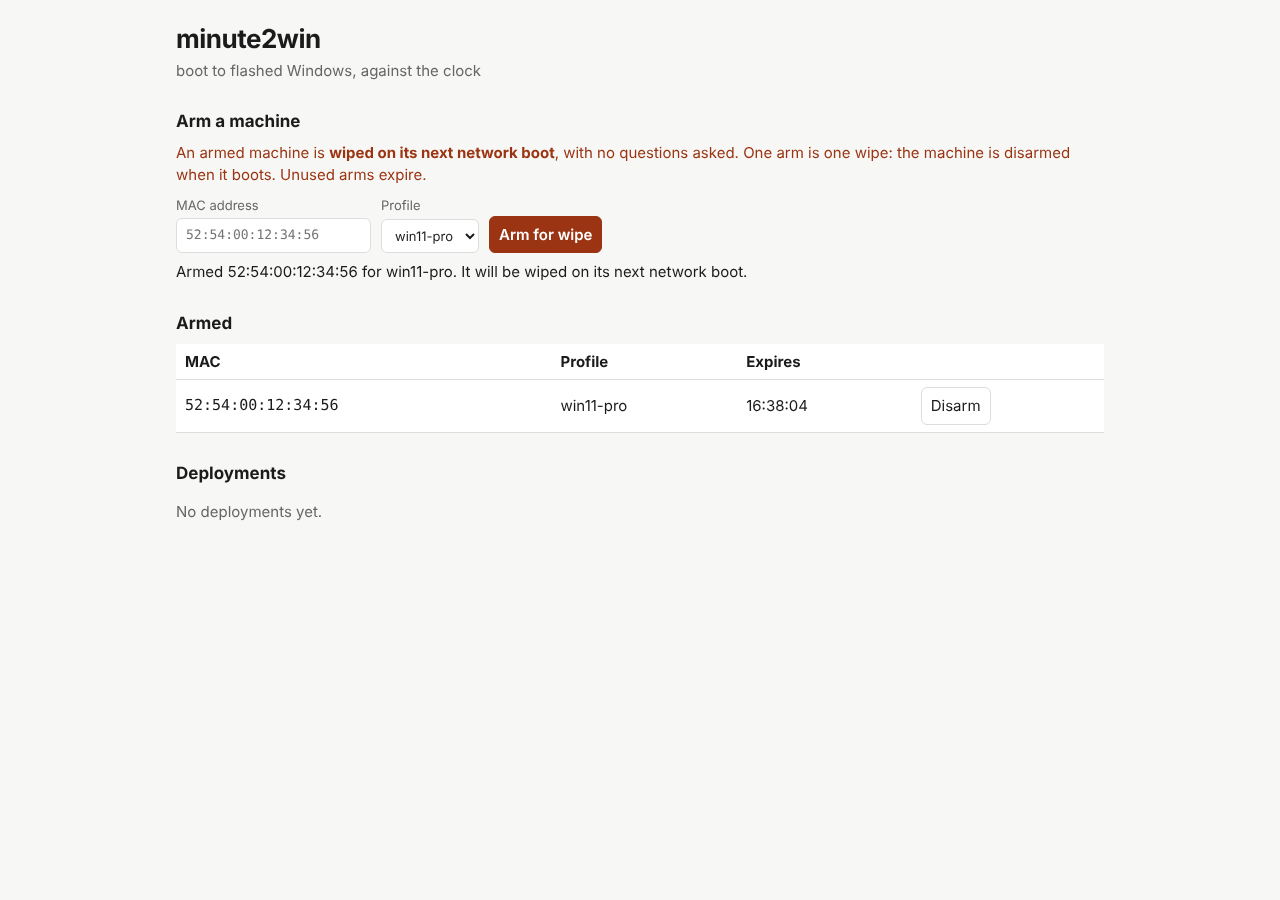
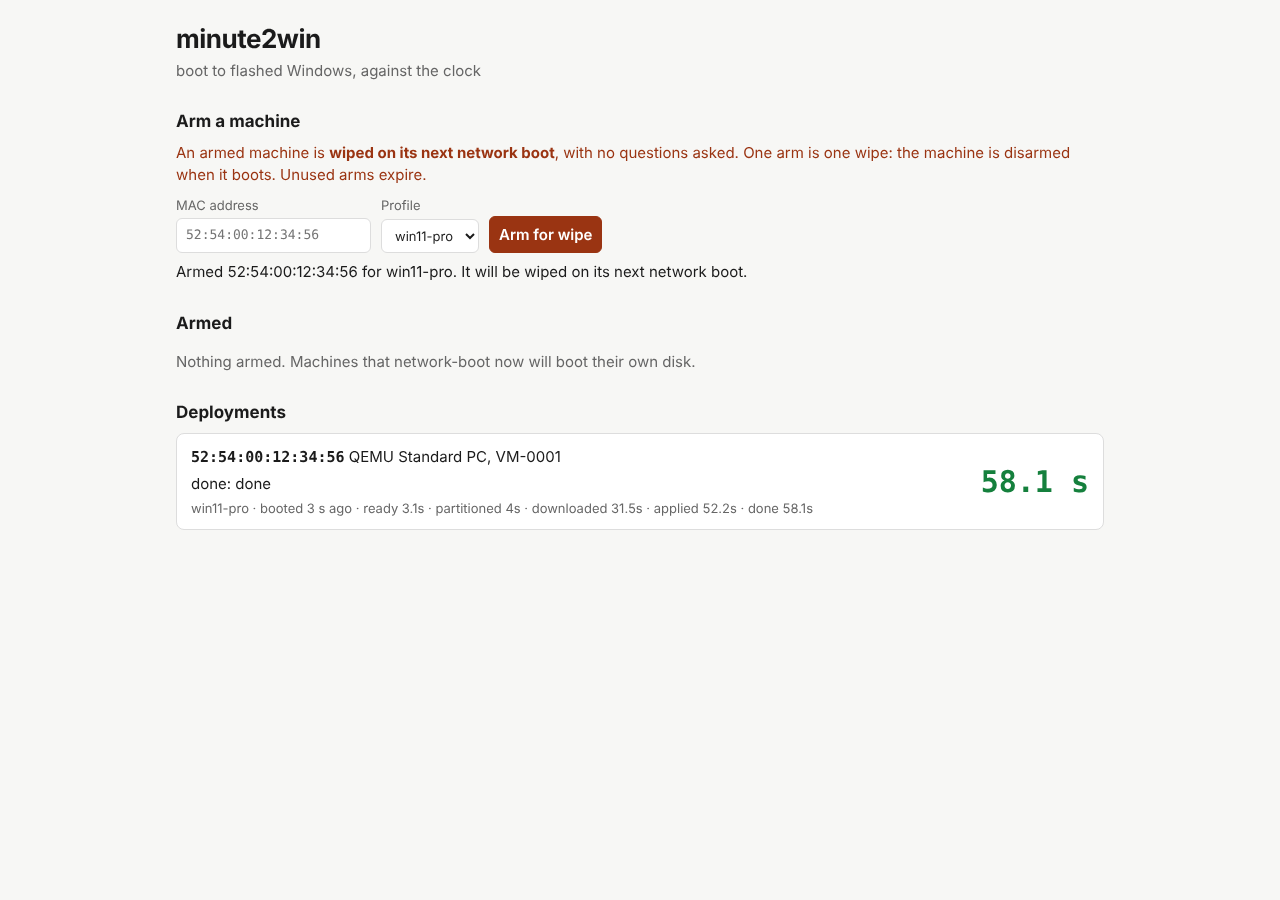
Demo data from the automated UI test: the MAC, the QEMU machine and the 58.1 s lap times are fixtures, not a measured deployment.
| Guide | What it covers |
|---|---|
| Getting started | Console preview, prerequisites, profiles, arming and first deployment |
| Boot assets | WinPE build, hosting layout, updating scripts and static iPXE |
| Manifests | Image, disk, OOBE, tenant, guard and reporting settings |
| Server | HTTP console, PXE flags, architecture selection and TFTP behavior |
| API | Read state, arm and disarm machines |
| Troubleshooting | Boot, network, image, persistence and bootstrap failures |
| Status | Verification evidence, accepted risks and next validation work |
| Releasing | Signed artifacts, verification and public repository setup |
Source and downloads · Contributing · Security
GitHub Pages hosts this documentation only. It does not host deployment images or run the Minute2Win server.